01
Download your site folder
After conversion, your site is a normal folder: HTML pages, images, CSS, fonts, deploy scripts, and a README. There is no database and no editor account to keep paying for.
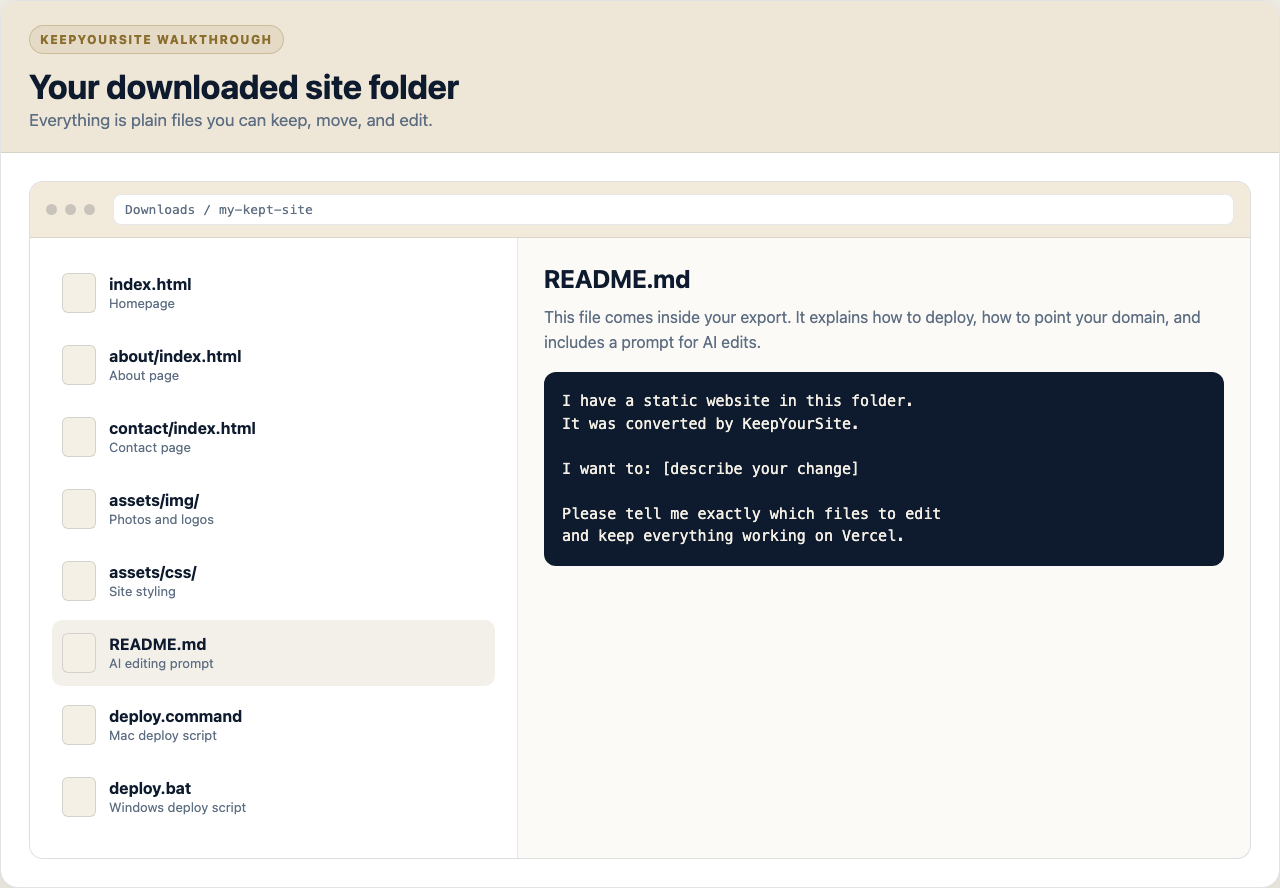
KeepYourSite turns your Wix or Squarespace site into files you own. Once you have those files, any good AI assistant can help you change the words, photos, buttons, pages, and layout.
ChatGPT is the example below. Claude, Gemini, Cursor, and Codex work too.
After conversion, your site is a normal folder: HTML pages, images, CSS, fonts, deploy scripts, and a README. There is no database and no editor account to keep paying for.
Every export includes a plain-English prompt you can paste into ChatGPT, Claude, Gemini, Cursor, or Codex. It tells the AI what kind of site it is looking at and how the files are organized.
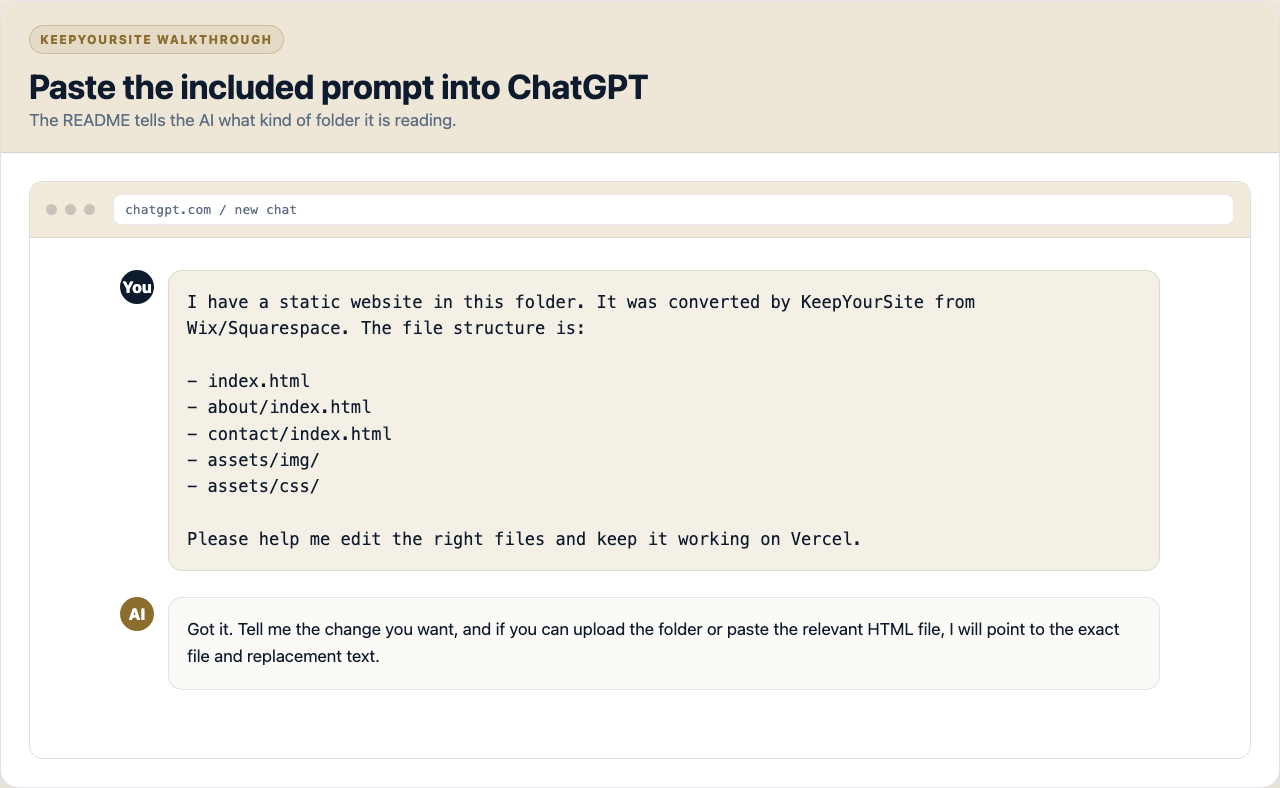
Tell the AI what to change the same way you would tell a person: update opening hours, swap a hero image, add a new service, change a button, rewrite a section, or remove a page from the menu.
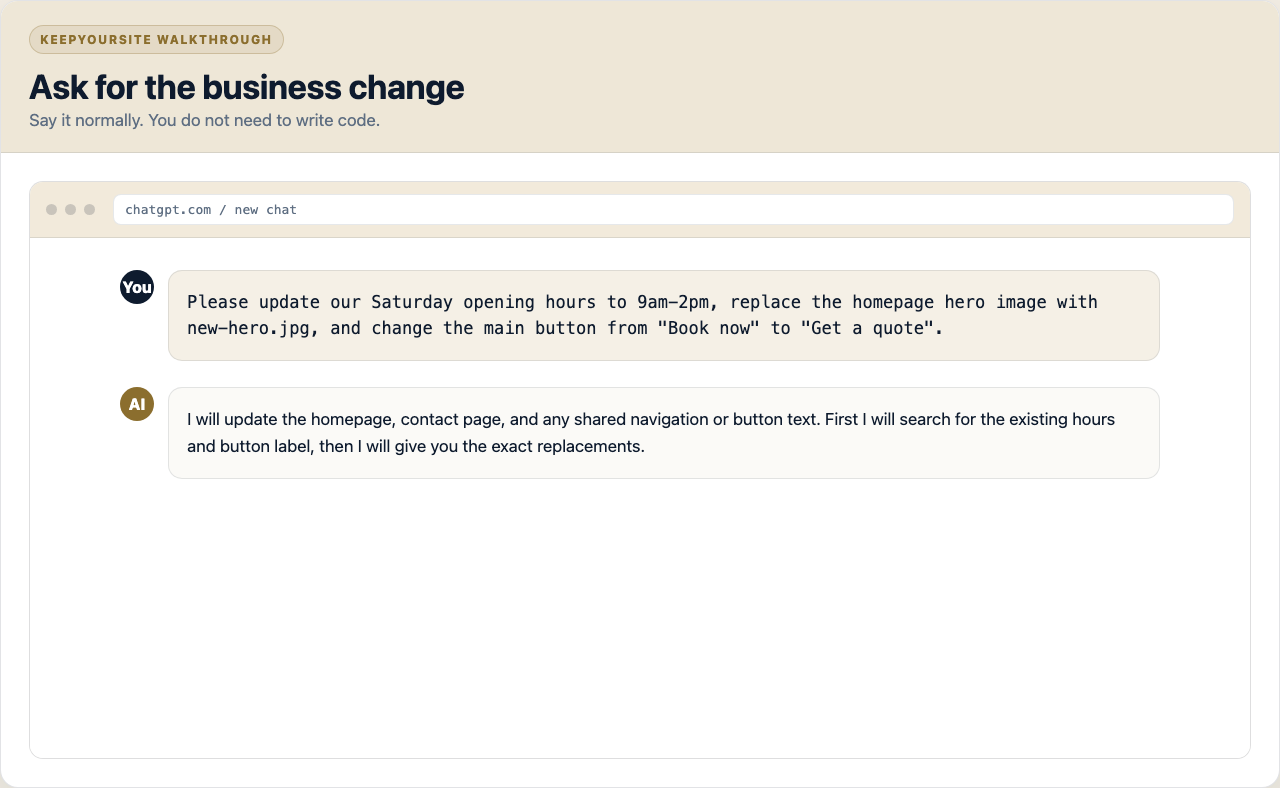
The AI reads the folder and tells you which file to edit. With tools that can edit files directly, it can make the change for you. With normal ChatGPT, it can give you the exact lines to replace.
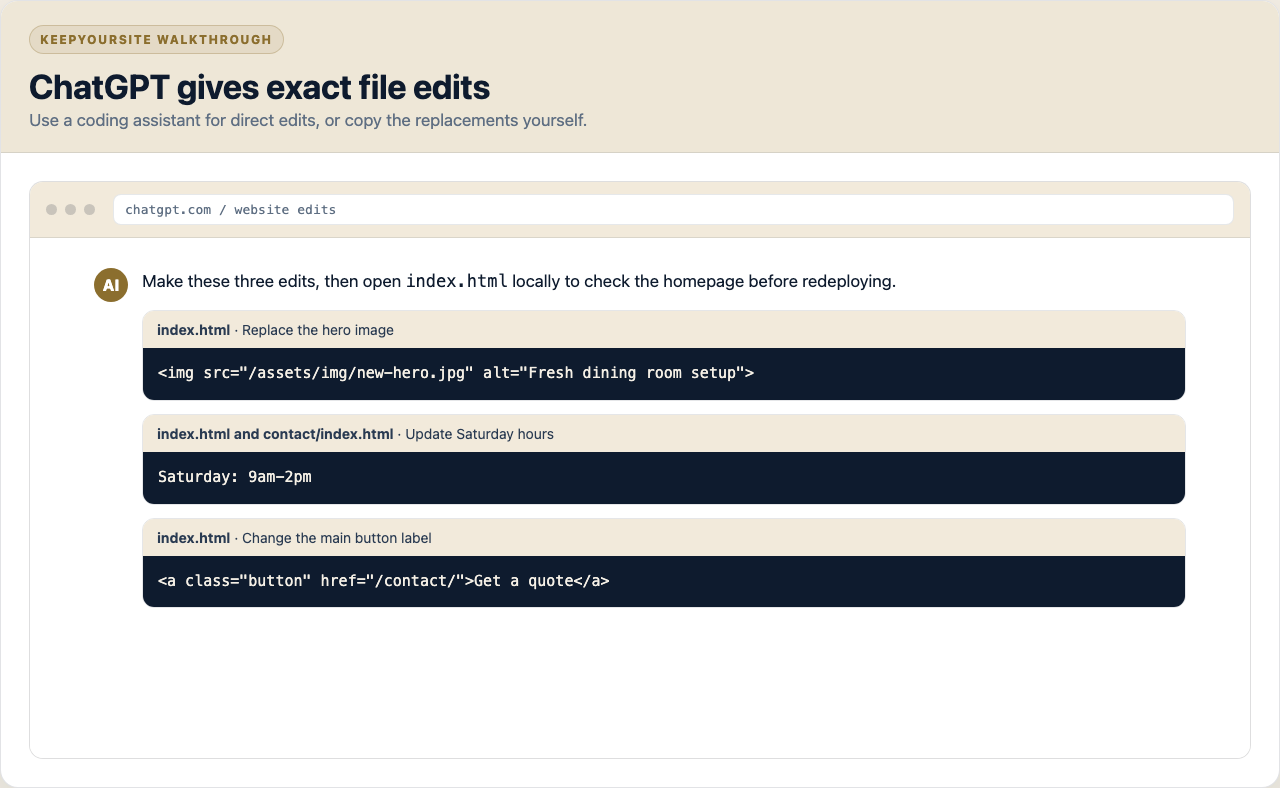
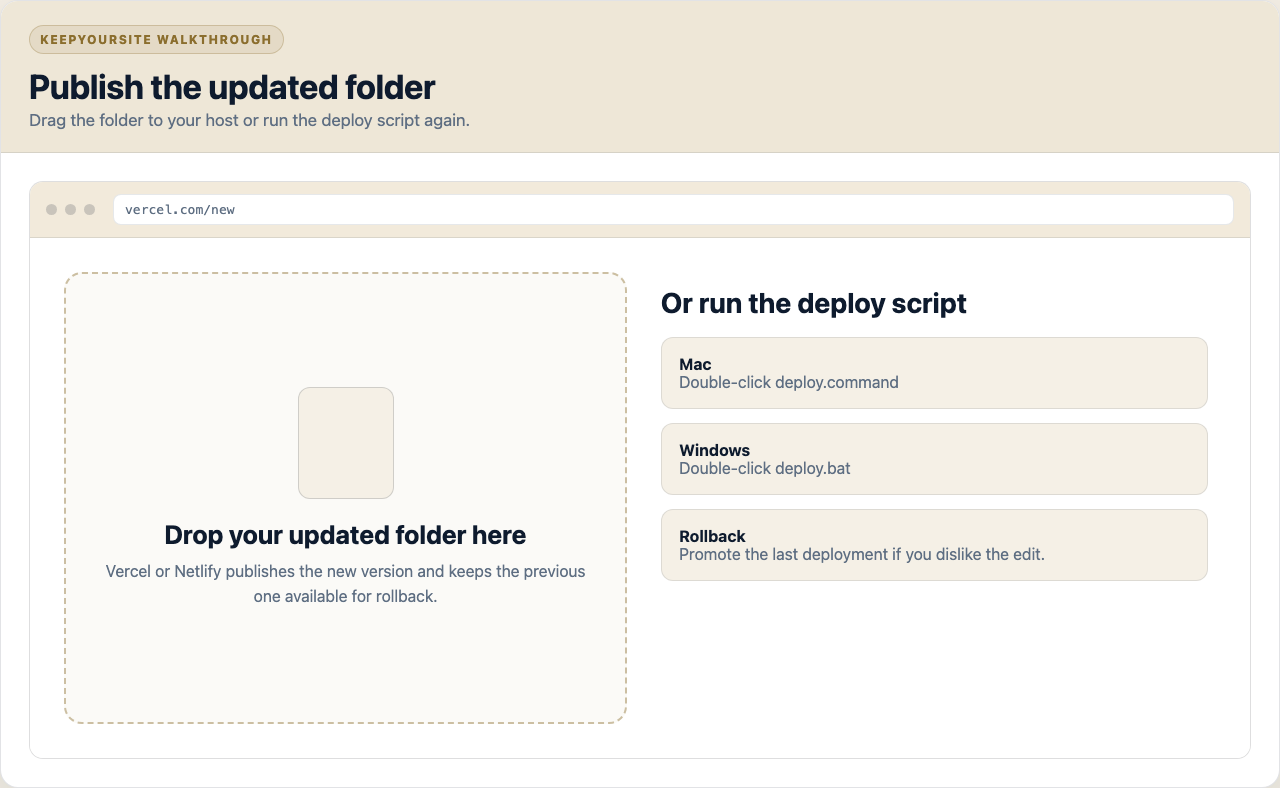
When the change looks right locally, publish again. Drag the folder to Vercel or Netlify, or double-click the deploy script we include. Your hosting keeps old versions, so you can roll back if needed.
You do not need to phrase it like code. Describe the business change and ask the AI to update the site files carefully.
A platform editor only works inside that platform. Your KeepYourSite export is different: it is a folder that AI tools, web developers, and static hosts already understand.
Most owners only need small edits a few times a year. For that, asking an AI assistant is often faster than learning another CMS.
No. The point is that the AI can read the files and explain the change in normal language. If you use an AI coding tool like Cursor, Codex, or Claude Code, it can usually apply the edits directly.
Yes. ChatGPT is just the familiar example. Any AI that can read files, or any coding assistant that can work inside a folder, can help edit a KeepYourSite export.
Ask it to undo the change, or redeploy the previous version from your hosting dashboard. Vercel and Netlify keep deployment history, so one bad edit does not permanently break your site.
Not for simple text changes. Paid plans can be more convenient because file upload and project-folder features vary by provider, but you can still paste a page's HTML into a chat and ask what to change.
Sometimes, but that is where it helps to use a coding assistant that can inspect the whole folder. For a major redesign, you can also hire any HTML developer because the site is plain files.
Be careful with forms, payment flows, booking widgets, analytics, and legal text. We mark platform-dependent pieces in the README so you know what needs extra care.
We'll convert it, hand you the files, and show you how to make your first AI-assisted edit during handoff.